Are you tired of experiencing dead zones in your home where the WiFi signal is weak or non-existent? With 93% of American adults using the internet, a reliable connection is crucial for streaming, browsing, and gaming.
Having a router is just the beginning; the real challenge lies in ensuring that the WiFi signal covers every corner of your home. You may have considered using a WiFi extender or upgrading to a mesh WiFi system to boost your network coverage and strengthen your internet connection.
The choice between these two solutions depends on several factors, including the size of your home and your specific connectivity needs. In this article, we’ll compare both options in detail to help you make an informed decision.
Understanding Wi-Fi Dead Zones
If you’re experiencing dropped connections or slow internet speeds, you might be dealing with a Wi-Fi dead zone. Wi-Fi dead zones are areas in your home where the wireless network connection is weak or non-existent, disrupting your online activities.
What Causes Dead Zones in Your Home
Several factors contribute to the formation of dead zones in your home. The layout of your home, including walls, floors, and ceilings, can significantly impact your Wi-Fi signal.
Physical barriers, especially those made of thick materials like concrete or brick, can block or weaken the signal. Additionally, interference from other devices, such as cordless phones, microwaves, and neighboring Wi-Fi networks, can cause disruptions.
The location of your router also plays a crucial role; if it’s placed in a corner or against a wall, it can limit the signal’s reach.
How to Identify Dead Zones with Speed Tests
To identify dead zones, you can conduct speed tests in different areas of your home using tools like the Ookla Speed Test. Start by testing your internet speed near your router to establish a baseline.
Then, move to other rooms and areas where you use Wi-Fi, running tests at different times of the day to account for network congestion. Record your download and upload speeds to create a simple “heat map” of your home’s Wi-Fi performance. If you notice speeds that are less than half of your baseline, you’ve likely found a dead zone.
| Location | Download Speed (Mbps) | Upload Speed (Mbps) |
|---|---|---|
| Near Router | 100 | 50 |
| Living Room | 50 | 20 |
| Bedroom | 20 | 5 |
What is a Wi-Fi Extender?
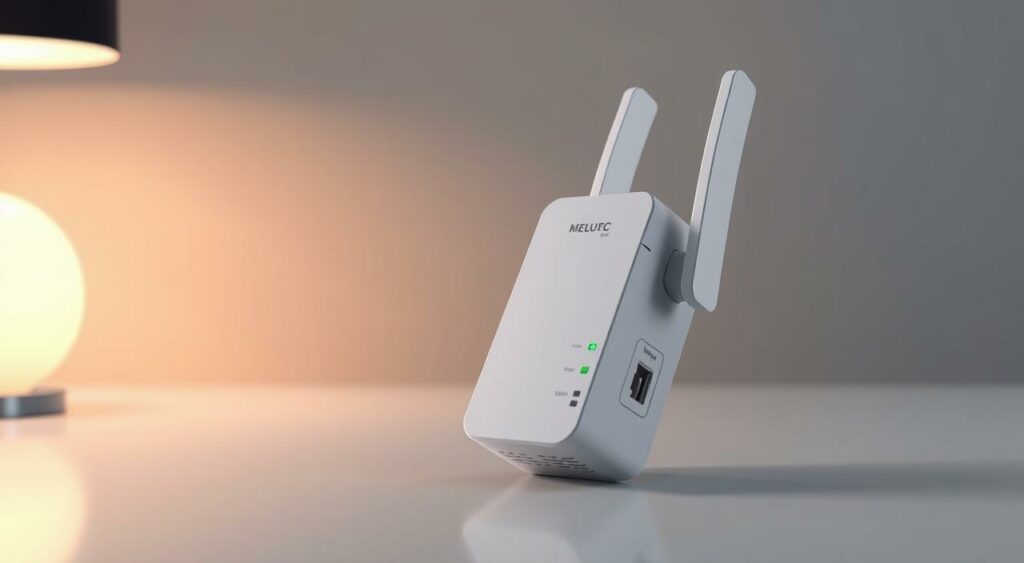
Wi-Fi extenders are devices designed to boost your wireless network’s range, ensuring a stable connection throughout your home. If you’ve got one or two rooms with poor connection, a simple Wi-Fi range extender might be all you need.
How Wi-Fi Extenders Work
A Wi-Fi extender works by receiving your router’s signal and rebroadcasting it to extend coverage. This can significantly improve your connection speed and overall network reliability. By placing an extender in a strategic location, you can ensure that your Wi-Fi signal reaches every corner of your home.
Types of Wi-Fi Extenders Available
There are various types of Wi-Fi extenders on the market, including plug-in models, desktop models, and dual-band extenders. Dual-band extenders, in particular, offer better performance by utilizing two bands to reduce interference and increase overall network efficiency.
When choosing an extender, consider your specific needs and home layout. For basic needs, budget options under $30 are available, such as the TP-Link RE220, a Wi-Fi5 plug-in extender that can be found for as low as $15.
For more advanced features and faster speeds, consider premium options like the TP-Link RE605X, which supports Wi-Fi6 and is available for $85.
What is a Mesh Wi-Fi System?
Mesh Wi-Fi is a type of network that uses multiple devices to ensure a strong and stable internet connection throughout your home. This system is particularly beneficial for larger homes where traditional routers often fail to provide comprehensive coverage. By utilizing multiple nodes, a mesh network ensures that your home is blanketed with a reliable Wi-Fi signal.
How Mesh Networks Function
Each device in the mesh network, known as a node, communicates wirelessly with the others, sharing the same WiFi network name (SSID). This setup allows for seamless handover between nodes as you move around your home, ensuring a consistent internet experience. The primary node connects directly to your modem, serving as the gateway to the internet for the entire mesh system.
Components of a Mesh System
A typical mesh Wi-Fi system includes a main router node and one or more satellite nodes. Most systems come in packages of two or three nodes, with the flexibility to add more nodes as needed for larger homes. Each node is equipped with its own processor, memory, and antennas, functioning as a complete routing device to ensure robust coverage.
Most mesh systems also include user-friendly mobile apps for easy setup, management, and monitoring of your network. Some systems offer additional features such as built-in smart home hubs, enhanced security features, or parental controls, further enhancing the functionality of your mesh network.
Mesh vs Extenders: Key Differences
When deciding between mesh Wi-Fi systems and extenders, understanding their key differences is crucial for optimal home network performance. Both technologies aim to eliminate Wi-Fi dead zones, but they operate in distinct ways.
Network Management Comparison
Managing your network is a critical aspect of maintaining a stable and efficient Wi-Fi connection. Mesh systems offer a unified network experience, allowing you to manage all nodes through a single interface. This simplifies the process of monitoring your network’s performance and making adjustments as needed. In contrast, extenders create a separate network, which can lead to complexity in managing multiple networks.
- Mesh systems provide a seamless experience, allowing you to move around your home without disconnections.
- Extenders require manual switching between networks, which can be inconvenient.
- Mesh systems typically offer more consistent speeds throughout your home.
Coverage Capabilities
The coverage capabilities of mesh systems and extenders differ significantly. Mesh systems are designed to provide whole-home coverage, creating a blanket of coverage with no weak spots between nodes. This makes them particularly effective in larger homes or homes with complex layouts. On the other hand, extenders target specific dead zones but can create coverage gaps between the router and the extender.
- Mesh systems can easily scale by adding more nodes to extend coverage.
- Extenders can be limited in their ability to cover large areas.
- Mesh systems are better suited for homes with multiple floors or unusual layouts.
In conclusion, while both mesh systems and extenders can address Wi-Fi dead zones, they have distinct differences in terms of network management and coverage capabilities. Understanding these differences is key to choosing the best solution for your home.
Benefits of Wi-Fi Extenders
For those struggling with dead zones, Wi-Fi extenders provide a straightforward and effective fix. Wi-Fi extenders offer several benefits that make them an attractive solution for improving your home’s network coverage.
Cost Advantages
One of the primary benefits of Wi-Fi extenders is their cost-effectiveness. Compared to mesh Wi-Fi systems, extenders are generally more affordable, making them an attractive option for those on a budget.
You can enhance your network’s coverage without the need for a significant upfront investment. Extenders can work with your existing router, eliminating the need to purchase a new one.
Easy Setup Process
Setting up a Wi-Fi extender is typically a straightforward process. Most modern extenders come with a simple installation procedure that requires minimal technical knowledge.
You just need to plug in the extender, connect it to your router, and you’re good to go. Many extenders also come with a WPS button, making it even easier to connect to your existing router. This ease of setup means you can enjoy improved network coverage quickly.
Compatibility with Existing Equipment
Wi-Fi extenders are designed to be highly compatible with existing equipment. They work with virtually any router brand and model, meaning you don’t need to replace your current router when adding an extender. This compatibility extends to older router models, making extenders suitable for extending the life of your existing network equipment.
Moreover, extenders can integrate with ISP-provided routers that often can’t be replaced without incurring additional fees. They also support backward compatibility with older devices, making them a good solution for homes with a mix of older and newer devices that need to connect to the network.
By choosing a Wi-Fi extender, you can improve your network’s coverage without overhauling your entire setup. This compatibility advantage, combined with their cost-effectiveness and easy setup, makes extenders a compelling choice for many users.
Advantages of Mesh Wi-Fi Systems
Mesh Wi-Fi technology has revolutionized the way we experience internet connectivity at home. By providing a robust and reliable network, mesh systems have become the go-to solution for many households.
Seamless Connectivity Throughout Your Home
One of the primary advantages of mesh Wi-Fi systems is their ability to provide seamless connectivity throughout your home. Unlike traditional Wi-Fi extenders, mesh systems use multiple nodes to create a unified network that ensures a strong and stable connection in every corner of your home.
As you move around your home, your device automatically switches to the strongest node, ensuring uninterrupted internet access. This is particularly beneficial for large homes or homes with multiple floors.
Simplified Network Management
Mesh Wi-Fi systems also offer simplified network management. With a mesh system, you can manage your entire network through a single app, making it easy to monitor your network’s performance, update firmware, and control connected devices.
This centralized management system makes it easier to maintain your network’s performance and ensure that all your devices are connected to the strongest node.
Better Performance for Multiple Devices
Mesh Wi-Fi systems are designed to handle multiple connected devices simultaneously without compromising on speed or performance. They use intelligent traffic management to prioritize bandwidth where it’s needed most, ensuring that all your devices have a smooth and stable connection.
With features like MU-MIMO (Multi-User, Multiple-Input, Multiple-Output), mesh systems can handle bandwidth-intensive activities like 4K streaming, video conferencing, and online gaming across multiple devices, maintaining consistent speeds throughout your home.
Performance Comparison: Speed and Reliability
In the pursuit of uninterrupted internet, understanding the differences between mesh Wi-Fi systems and Wi-Fi extenders is essential. When evaluating these two technologies, speed and reliability are crucial factors.
Speed Test Results: Mesh vs Extenders
Speed test results often favor mesh Wi-Fi systems over traditional Wi-Fi extenders. This is because mesh systems utilize multiple nodes to create a network of interconnected Wi-Fi access points, ensuring a strong and consistent signal throughout your home. In contrast, Wi-Fi extenders rebroadcast the signal from your main router, which can lead to a reduction in overall network performance.
| Technology | Average Speed | Signal Strength |
|---|---|---|
| Mesh Wi-Fi | 100 Mbps | Strong |
| Wi-Fi Extenders | 50 Mbps | Variable |
Connection Stability Differences
Connection stability is another area where mesh Wi-Fi systems outperform Wi-Fi extenders. Mesh systems use sophisticated algorithms to ensure smooth transitions between nodes, providing a seamless experience. On the other hand, Wi-Fi extenders can create “handoff” issues when devices switch between the main router and the extender, potentially causing interruptions.
- Mesh systems offer a more consistent connection experience due to their ability to dynamically switch between nodes.
- Extenders can cause stuttering or buffering due to the separate Wi-Fi network they create.
- The self-healing nature of mesh networks ensures that if one node goes down, others can compensate, maintaining network reliability.
“Mesh Wi-Fi systems are designed to provide a robust and reliable connection, making them ideal for applications that require stable internet, such as video conferencing and online gaming.”
In conclusion, when comparing mesh Wi-Fi systems and Wi-Fi extenders, mesh systems generally offer superior performance in terms of speed and reliability. This makes them a better choice for households that require a stable internet connection throughout their home.
Cost Analysis: Investment vs Value
Understanding the cost implications of mesh Wi-Fi systems versus extenders is vital for making an informed decision.
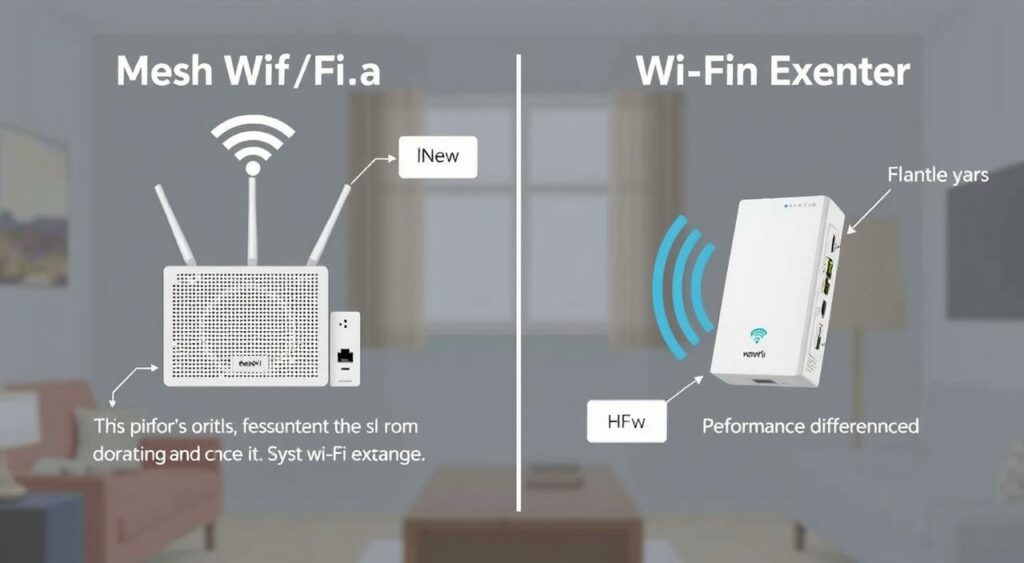
Price Ranges for Quality Extenders
Quality Wi-Fi extenders can range from $20 to $100, depending on the brand and features. Basic models can boost your Wi-Fi signal, while advanced models offer features like dual-band connectivity and gigabit Ethernet ports.
Key Features to Expect: Signal amplification, basic network management, and compatibility with existing routers.
Price Ranges for Mesh Systems
Mesh Wi-Fi systems are available across various price points. Entry-level systems ($150-200) cover average-sized homes with basic features. Mid-range systems ($200-300) offer better performance and additional features like parental controls. Premium systems ($300-500+) include advanced features like dedicated backhaul channels and integrated smart home hubs.
Notable Brands: Eero, Nest, and other leading brands offer a range of mesh systems with varying features and price points.
Making the Right Choice for Your Home
Your home’s unique characteristics will dictate whether a mesh WiFi system or WiFi extender is the better choice. Consider factors such as your budget, home size, and networking needs. For smaller homes with limited budgets, WiFi extenders can be a cost-effective solution. In contrast, larger homes or those with multiple devices may benefit from a mesh WiFi system.
When making your decision, also consider the coverage and speed requirements. If you have a multi-story building or many connected devices, a mesh network is likely the ideal option. Additionally, think about the placement of your router and extender or mesh nodes to ensure optimal coverage.
Ultimately, the best option is one that addresses your specific connectivity issues within your budget. Whether you choose a WiFi extender or a mesh WiFi system, you’ll be improving your internet experience and eliminating frustrating dead zones.
FAQ
What is the main difference between a Wi-Fi extender and a mesh Wi-Fi system?
A Wi-Fi extender rebroadcasts your router’s signal to extend its coverage, while a mesh Wi-Fi system uses multiple nodes to create a network of interconnected Wi-Fi access points that work together to provide coverage throughout your home.
How do I know if I need a Wi-Fi extender or a mesh Wi-Fi system?
If you have a small area with a weak signal, a Wi-Fi extender might be sufficient. However, if you have a larger home or multiple dead zones, a mesh Wi-Fi system is likely a better option to ensure reliable coverage.
Can I use a Wi-Fi extender with my existing router?
Yes, Wi-Fi extenders are designed to work with your existing router. They can be a cost-effective way to improve coverage without replacing your current router.
How many nodes do I need for a mesh Wi-Fi system?
The number of nodes you need depends on the size of your home and the number of devices you need to support. Typically, a two-node system is sufficient for smaller homes, while larger homes may require three or more nodes.
Will a mesh Wi-Fi system or Wi-Fi extender reduce my internet speed?
Both mesh Wi-Fi systems and Wi-Fi extenders can potentially reduce your internet speed, but mesh systems are generally designed to minimize this impact. Look for devices with Ethernet backhaul or Wi-Fi 6 technology for better performance.
Can I move around my home with a mesh Wi-Fi system or Wi-Fi extender?
Yes, both mesh Wi-Fi systems and Wi-Fi extenders allow you to move around your home while maintaining a connection. However, mesh systems are designed to provide a more seamless experience as you roam between nodes.
Are there any alternatives to mesh Wi-Fi systems and Wi-Fi extenders?
Yes, powerline adapters are another option to extend your network using your home’s electrical wiring. They can be a good solution for areas with thick walls or floors that can block Wi-Fi signals.
How do I set up a Wi-Fi extender or mesh Wi-Fi system?
Setup processes vary by device, but most Wi-Fi extenders and mesh Wi-Fi systems come with a user-friendly app that guides you through the installation process.