Are you tired of lag ruining your online gaming experience? You pull the trigger or dive for a tackle, but thanks to latency, your action lands way too late. That’s high ping in action, and it’s a serious problem.
According to a report, over 95% of gamers surveyed complained about experiencing latency issues. This comprehensive guide will walk you through proven strategies to improve your gaming experience and performance. You’ll learn how to cut your ping in half, from simple router adjustments to more sophisticated hardware solutions.
Understanding Ping and Latency in Gaming
For gamers, understanding ping and latency is key to optimizing their online gaming performance. A strong, stable connection with low ping isn’t a luxury for online gaming — it’s a necessity. With the tech available today, there’s no reason to settle for a laggy experience.
What is Ping and How is it Measured?
Ping refers to the time it takes for data to travel from your device to the game server and back. It’s measured in milliseconds (ms), and the lower the ping, the better your gaming experience will be. You can measure your ping using online tools or in-game testing features.
The Impact of High Ping on Your Gaming Experience
High ping can lead to frustrating symptoms such as rubber-banding, delayed actions, and disconnections. In competitive gaming, high ping creates an uneven playing field, giving players with lower ping a significant advantage. For instance, in first-person shooters, a high ping can mean the difference between winning and losing.
| Game Type | Effect of High Ping |
|---|---|
| First-Person Shooters | Delayed actions, increased chance of death |
| Real-Time Strategy Games | Delayed unit responses, disrupted strategy execution |
By understanding ping and its impact on your gaming experience, you can take steps to optimize your internet connection and improve your overall performance.
What Causes High Ping While Gaming?
Several factors contribute to high ping, and identifying them is crucial for a smoother gaming experience. High ping can be caused by a combination of factors related to your internet connection, network setup, and the distance to game servers.
Geographical Distance to Game Servers
The distance between your location and the game server is a significant factor in determining your ping. The farther away the server, the higher the ping. This is because data packets have to travel longer distances, resulting in delayed transmission.
Internet Connection Type and Quality
Your internet connection type and quality also play a crucial role in determining your ping. A slow or unstable internet connection can lead to high ping. For instance, if you’re using a wireless connection, interference from other devices can cause congestion and increase ping.
Network Congestion and Bandwidth Issues
Network congestion occurs when multiple devices share your internet connection, competing for bandwidth. This can lead to increased ping, especially during peak usage times when ISPs are more likely to throttle internet speeds. Bandwidth-intensive activities like streaming, downloading, and video calls can also impact your gaming performance. Managing your household’s internet usage and prioritizing gaming traffic can help mitigate these issues.
By understanding these factors, you can take steps to minimize your ping and enjoy a better gaming experience.
How to Test Your Current Ping
Before you can reduce your ping, you need to know how to test it. Testing your ping is a straightforward process that can be done using various tools and methods.
Using Online Speed Tests
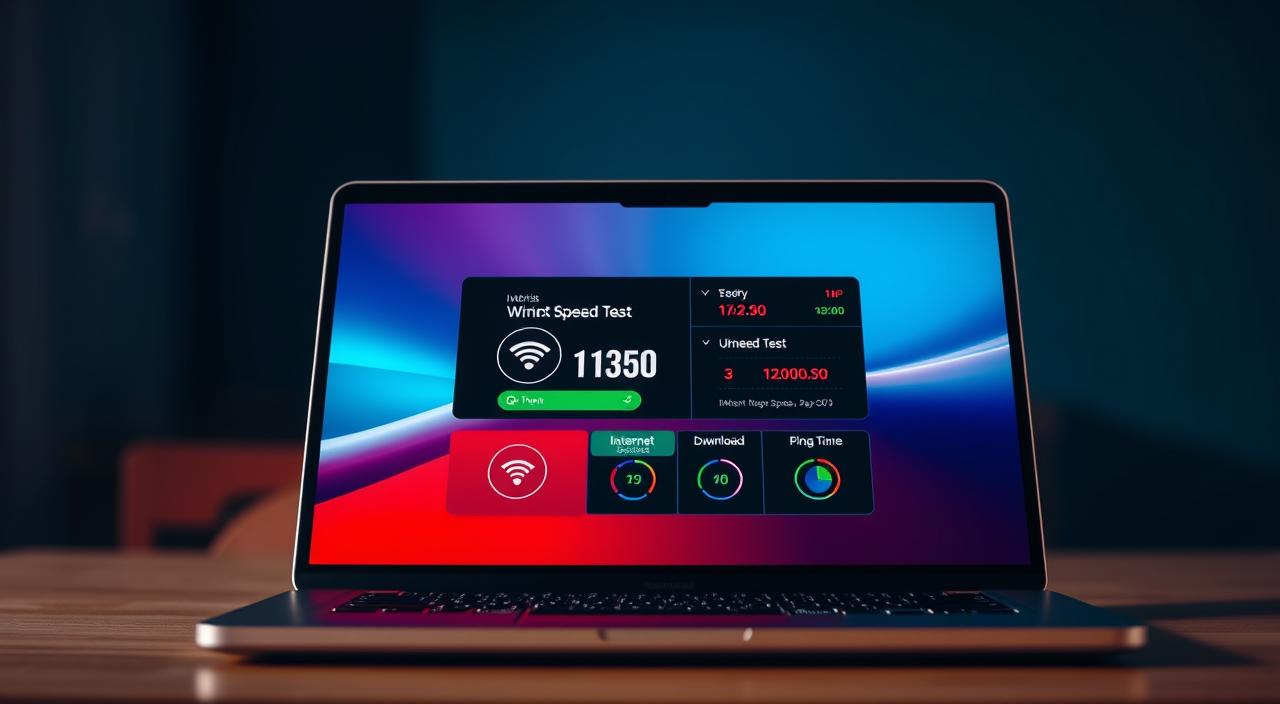
One of the simplest ways to test your ping is by using online speed test tools. Websites like Speedtest.net or Fast.com can provide you with your current ping, along with your download and upload speeds. To get an accurate reading, ensure that no other devices on your network are consuming large amounts of bandwidth during the test.
It’s also worth checking if your ping is consistent across different speed test servers. High ping isn’t always your internet connection’s fault — it might be the game server’s fault. Websites such as Game Server Ping list popular video games so you can check your current server’s performance.
In-Game Ping Testing Tools
Many online games have built-in ping monitoring tools. For example, in games like Counter-Strike, League of Legends, and Fortnite, you can usually find your ping displayed on the screen or in the game settings. These tools can give you real-time feedback on your ping, helping you identify if there’s a problem.
Some games also allow you to check the ping of different servers before joining. This can be particularly useful for finding a server with a lower ping. Checking the ping of different servers can significantly enhance your gaming experience by reducing lag and improving responsiveness.
To further diagnose ping issues, you can also use third-party gaming overlay applications that provide real-time ping monitoring across all your games. These tools can help you determine whether high ping is a game-specific issue or a broader connection problem affecting all your online activities.
Optimize Your Router Settings to Reduce Ping Gaming
Optimizing your router settings is a crucial step in reducing ping and enhancing your gaming experience. A well-configured router can significantly improve your online gaming by prioritizing gaming traffic and minimizing interference from other devices on your network.
Router Placement for Optimal Signal
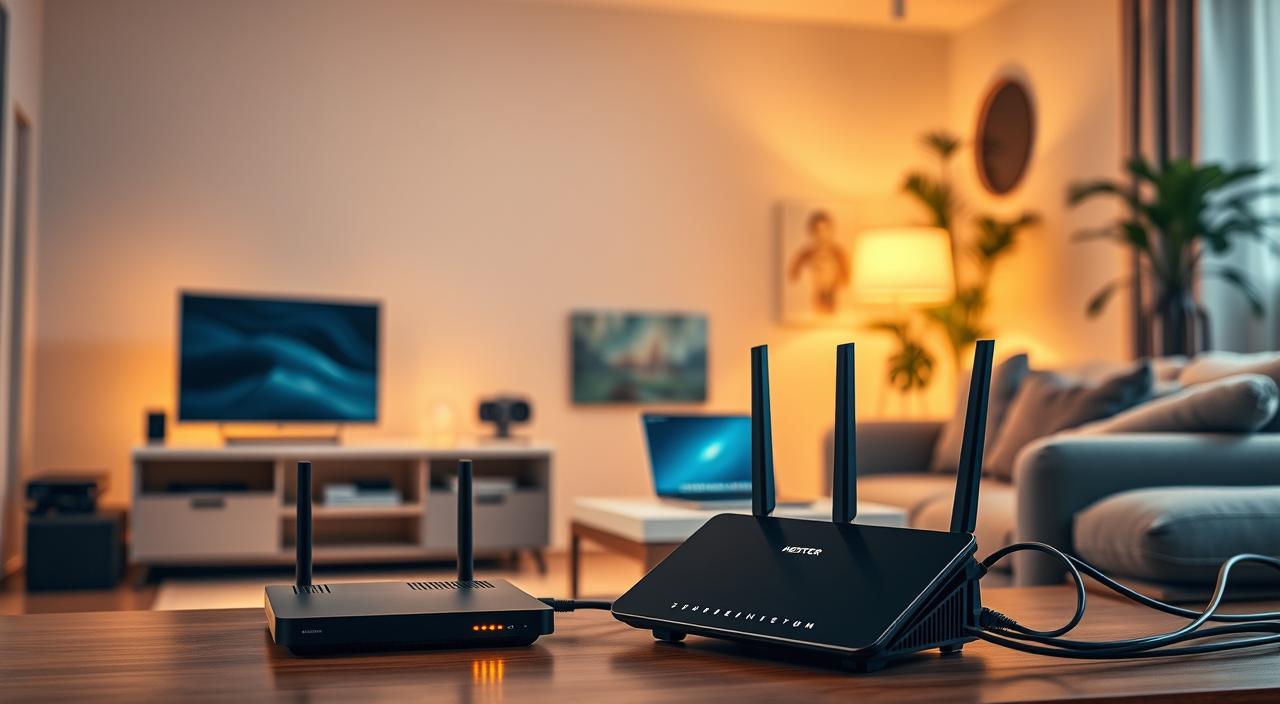
The physical location of your router plays a significant role in determining the quality of your internet connection. To achieve optimal signal strength, place your router in a central location, away from walls and other obstructions. Elevating the router can also help improve coverage by reducing interference from furniture and other objects.
Updating Router Firmware
Keeping your router’s firmware up to date is essential for maintaining a stable and secure connection. Regular updates often include patches for known issues, improvements to performance, and enhancements to security features. Check your router manufacturer’s website for updates and follow their instructions to update your firmware.
QoS Settings for Gaming Priority
Quality of Service (QoS) settings allow you to prioritize gaming traffic on your network, ensuring that your gaming devices receive sufficient bandwidth. To configure QoS settings, you’ll need to access your router’s settings page, typically by typing its IP address into a web browser. Look for the QoS section, and set your gaming device or application to high priority. This will help stabilize your ping and improve overall gaming performance.
| Router Brand | QoS Settings Location | Priority Levels |
|---|---|---|
| TP-Link | Advanced Settings > QoS | Low, Medium, High |
| Netgear | Advanced Setup > QoS | Basic, Premium |
| Linksys | Applications & Gaming > QoS | Normal, High |
Wired vs. Wireless: Which Connection is Best for Gaming?
For serious gamers, understanding the difference between wired and wireless connections is crucial. Your choice of connection can significantly impact your gaming performance.
Benefits of Ethernet Connections
An Ethernet connection provides a stable and fast link between your device and the router, reducing latency and packet loss. Using an ethernet cable can enhance your gaming experience by providing a wired connection that is less prone to interference.
This direct link ensures that your gaming data is transmitted quickly and reliably, giving you a competitive edge in online gaming.
When to Use Powerline Adapters
If running an Ethernet cable directly from your router to your gaming station isn’t feasible, powerline adapters can be a viable alternative. These adapters use your home’s electrical system to create a wired connection, effectively reducing the need for lengthy cables.
They can deliver speeds and latency close to what you’d expect from a direct Ethernet connection, making them suitable for gaming purposes. However, their performance can be affected by your home’s electrical circuit layout and interference.
Managing Your Network Traffic
Effective network traffic management is crucial for reducing ping and enhancing your overall online gaming performance. Your home network is likely shared among multiple devices, from smartphones and laptops to smart home gadgets, all competing for bandwidth.
Limiting Background Applications
Background applications on your devices can consume significant bandwidth, impacting your gaming experience. To minimize this effect, it’s essential to limit or close unnecessary applications while gaming. This includes file-sharing programs, streaming services, and software updates. By doing so, you can allocate more bandwidth to your gaming session, resulting in a smoother and more responsive experience.
Removing Unnecessary Devices from Your Network
Removing unnecessary devices from your local network can increase speed and improve your ping. Access your router‘s admin console to identify and disconnect devices that are not in use. Start with IoT devices you don’t use often, such as smart TVs in guest rooms or lightbulbs.
Consider disconnecting computers not in use, cell phones if you have unlimited data, and other smart devices that may be consuming bandwidth. Reviewing your router‘s network usage data can help determine which devices are using the most bandwidth, allowing you to manage your network more effectively and enjoy a better internet connection in your home.
Choosing the Right Game Server
To minimize lag and enjoy smooth gaming, choosing the right game server is essential. High ping isn’t always your internet connection’s fault — it might be the game server’s fault. You can check your current server’s performance using websites like Game Server Ping, which lists popular video games.
How Server Distance Affects Ping
The distance between your location and the game server can significantly impact your ping. Generally, the farther the server, the higher your ping will be. This is because data has to travel a longer distance, resulting in increased latency.
Finding and Selecting Low-Ping Servers
You can use in-game server browsers to sort and filter servers based on ping. Additionally, third-party tools and websites can help you test ping to various game servers before connecting. Community resources, such as subreddit communities for popular games, can also provide valuable insights into server performance and ping.
By choosing a server that is closer to your geographical location, you can potentially lower your ping and enjoy a better gaming experience. Look out for updates from game manufacturers regarding connectivity issues and check community forums for solutions found by other players.
Hardware Upgrades That Can Improve Ping
Improving your ping requires a closer look at your gaming hardware. Upgrading certain components can significantly enhance your online gaming experience. Two critical areas to focus on are your router and network adapters, along with the cables used for your connection.
When to Upgrade Your Router
If your router is several years old, it might be time to consider an upgrade. Modern routers support the latest Wi-Fi standards, such as Wi-Fi 6, which offers better performance, capacity, and efficiency. A newer router can handle more devices and provide a more stable connection, which is crucial for gaming.
Network Adapters and Cable Considerations
The type of network adapter and Ethernet cable you use can also impact your gaming performance. PCIe network adapters generally offer better performance than onboard or USB adapters. When it comes to Ethernet cables, using Cat5e or Cat6 cables can ensure optimal connection speeds. Cat6 cables, in particular, are designed to handle speeds of up to 10,000 Mbps, making them ideal for demanding applications like gaming.
Upgrading to the right hardware can make a noticeable difference in your ping and overall gaming experience. Ensure that your network adapter and cables are not bottlenecking your connection.
Advanced Techniques for Serious Gamers
To gain an advantage, serious gamers often explore advanced techniques to minimize latency and enhance their gaming experience. Two effective strategies include utilizing VPNs and scheduling gaming sessions during off-peak hours.
Using VPNs to Reduce Ping
Gaming VPN services can potentially reduce ping by routing your internet connection through optimized servers. Some VPNs are specifically designed to improve gaming performance by minimizing latency and packet loss.
Scheduling Gaming Sessions During Off-Peak Hours
During peak internet usage times, ISPs are more likely to throttle, or slow, internet connection speeds, potentially affecting your ping. Organizing your playing time outside of this window, typically between 7:00 pm and 11:00 pm, might result in better performance. Checking with your friends to play outside of your ISP’s peak time can also be beneficial.
When to Contact Your Internet Service Provider
If you’ve tried every trick in the book to reduce your ping and still can’t achieve a smooth gaming experience, it might be time to seek help from your Internet Service Provider.
When self-help options are exhausted, and you’re still facing persistent ping issues, contacting your ISP could be the next step towards a lag-free gaming session. They can offer advanced troubleshooting tips that might resolve the issue.
Before reaching out, gather diagnostic information about your home network and internet connection. This includes your current ping, speed, and any error messages you’ve encountered. Having this information ready will make troubleshooting more efficient.
Your ISP can also help determine if your current internet plan is sufficient for your gaming needs. If you’re consistently running into issues due to limited bandwidth, it might be time to consider an upgrade or explore unlimited data plans if available.
Lastly, if your ISP can’t provide a satisfactory solution, it may be worth considering alternative service providers in your area, especially those that specialize in gaming-friendly internet services.
FAQ
What is considered a good ping for online gaming?
A good ping for online gaming is typically considered to be below 50 milliseconds. However, this can vary depending on the specific game and the player’s personal preferences.
How can I check my internet speed and ping?
You can check your internet speed and ping using online speed test tools, such as those provided by Speedtest.net or Fast.com. These tools measure your internet connection’s download and upload speeds, as well as your ping.
Will using a wired Ethernet connection improve my ping?
Yes, using a wired Ethernet connection can improve your ping by providing a more stable and reliable connection compared to wireless connections.
Can my internet service provider help me with high ping issues?
Yes, if you’re experiencing high ping issues, you can contact your internet service provider for assistance. They can help you identify and resolve any issues with your internet connection.
How does server distance affect my ping?
The distance between your location and the game server can significantly impact your ping. The farther away the server, the higher your ping is likely to be.
Can background applications affect my ping while gaming?
Yes, background applications that consume bandwidth can affect your ping while gaming. Closing or limiting these applications can help improve your ping.
What is the role of Quality of Service (QoS) settings in optimizing ping?
QoS settings on your router allow you to prioritize traffic for specific applications, such as online gaming, to ensure they receive sufficient bandwidth and reduce ping.
Can upgrading my router improve my ping?
Upgrading your router can potentially improve your ping by providing a faster and more reliable connection. Look for routers with features like QoS and Gigabit Ethernet ports.
How can I optimize my network for online gaming?
To optimize your network for online gaming, use a wired Ethernet connection, limit background applications, and configure QoS settings on your router to prioritize gaming traffic.