Are you making a costly mistake with your home network setup? With more households relying on reliable internet connections for work, entertainment, and smart home functionality, choosing the right router has never been more crucial.
Statistics show that 71% of Americans simply use equipment provided by their internet service provider, often resulting in connectivity issues, poor performance, and unnecessary expenses. This comprehensive buyer’s guide will help you avoid five critical mistakes when selecting a Wi-Fi router in 2025.
Our team tested over 30 top wireless routers to provide you with informed decisions based on your specific needs, home size, and usage patterns. A router is an investment that should last for several years, making the right choice vital for your devices and overall network performance.
The Critical Role of Routers in Today’s Connected Home
In today’s digitally driven world, a reliable router is the backbone of every connected home. As we increasingly depend on multiple devices for work, entertainment, and smart home management, the importance of a robust and efficient router cannot be overstated. Your router is more than just a piece of hardware; it’s the central hub that connects all your devices to the internet, enabling seamless communication, productivity, and entertainment.
Why 71% of Americans Are Making a Costly Mistake
Many Americans are unknowingly compromising their internet experience by relying on the router provided by their internet service provider (ISP). Statistics show that 71% of the country uses equipment provided by their ISP, often without questioning its capabilities or limitations. This can lead to suboptimal performance, as ISP-provided routers may not be equipped to handle the demands of modern households with multiple devices and high-bandwidth applications.
The consequences of using inadequate router equipment can be significant. Poor Wi-Fi performance can result in frustration, wasted time, and decreased productivity. It’s essential to understand that a quality router is a crucial investment for any household, especially those with multiple users and devices.
How Your Router Choice Impacts Every Online Activity
Your router choice has a direct impact on every online activity, from streaming and gaming to work-from-home productivity and smart home functionality. A high-quality router ensures a stable and fast internet connection, which is vital for:
- Smooth streaming of high-definition videos
- Lag-free online gaming
- Efficient work-from-home setups with reliable video conferencing
- Seamless smart home device management
A poor router can lead to buffering, dropped connections, and an overall disappointing online experience. Moreover, a good router can future-proof your home network against the increasing demands of new technologies and devices.
The Real Cost of Poor Wi-Fi Performance
The real cost of poor Wi-Fi performance extends beyond the initial frustration. It can lead to significant productivity losses, entertainment disruptions, and even smart home malfunctions. Let’s examine the hidden costs associated with poor Wi-Fi performance:
| Issue | Impact | Estimated Annual Cost |
|---|---|---|
| Productivity Losses | Time wasted due to slow or dropped connections | $500 |
| Entertainment Disruptions | Buffering streams and interrupted gaming sessions | $200 |
| Smart Home Malfunctions | Connectivity issues with smart devices | $100 |
| Total | $800 |
As shown in the table, the cumulative cost of poor Wi-Fi performance can be substantial. Investing in a quality router can mitigate these costs and improve overall network performance and speed.
By understanding the critical role of routers and the potential costs of poor Wi-Fi performance, you can make informed decisions about your home network. In the following sections, we’ll explore common mistakes to avoid when choosing a router and how to select the best one for your needs.
Mistake #1: Settling for Your Internet Provider’s Router
When setting up your home network, one of the most critical decisions you face is whether to use the router provided by your Internet Service Provider (ISP) or to purchase your own. This decision can significantly impact your internet experience, affecting everything from speed and reliability to security and overall performance.
The Hidden Limitations of ISP-Provided Equipment
ISP-provided routers often come with limitations that can hinder your network’s potential. These routers are typically designed to be simple and cost-effective, rather than high-performance.
They might not support the latest Wi-Fi standards, have limited range, or lack advanced features such as Quality of Service (QoS) settings or robust security protocols. For instance, many ISP routers still operate on older Wi-Fi standards, which can bottleneck your internet connection, especially if you have a fast internet plan.
Rental Fees vs. One-Time Purchase: The Math
One of the primary concerns with using an ISP-provided router is the cost. Many ISPs charge a monthly rental fee for their routers, which can add up over time. Let’s consider the math: if your ISP charges $5 per month for a router rental, that’s $60 per year.
Over five years, you’re looking at $300, and that’s without considering any potential rate hikes. In contrast, purchasing a high-quality router can be a one-time expense, often ranging from $100 to $300, depending on the features and brand. After the initial purchase, there are no recurring fees, potentially saving you money in the long run.
| ISP Rental Fee | Annual Cost | 5-Year Cost |
|---|---|---|
| $5/month | $60 | $300 |
| vs. One-Time Purchase: $100-$300 | ||
When an ISP Router Actually Makes Sense
While purchasing your own router is often the recommended choice for optimal performance and cost-effectiveness, there are scenarios where sticking with an ISP-provided router might be the better option. For non-technical users, the simplicity and guaranteed support of an ISP router can outweigh the benefits of a retail router. Additionally, in temporary living situations or when ISPs offer bundled services that include router rental at no extra charge, using an ISP router might be more practical. Some newer ISP offerings even include advanced mesh systems that can be comparable to retail options.
In conclusion, while there are valid reasons to consider using an ISP-provided router, it’s essential to weigh these against the potential benefits of purchasing your own router. By understanding your specific needs and circumstances, you can make an informed decision that best supports your home network.
Mistake #2: Ignoring Wi-Fi Standards When You Choose Router 2025
In 2025, ignoring Wi-Fi standards when choosing a router can lead to significant performance issues. As technology advances, understanding the differences between Wi-Fi standards is crucial for optimal network performance.
Wi-Fi 6 vs. Wi-Fi 6E vs. Wi-Fi 7: What’s the Difference?
Wi-Fi 6, Wi-Fi 6E, and Wi-Fi 7 are the latest Wi-Fi standards, each offering improvements over the previous one. Wi-Fi 6, introduced in 2019, provides faster speeds and better performance in crowded environments. Wi-Fi 6E builds upon Wi-Fi 6 by adding access to the 6 GHz frequency band, reducing congestion and increasing bandwidth. Wi-Fi 7, the latest standard, promises even faster speeds, lower latency, and enhanced capacity.
The Eero Max 7, for instance, averaged 1,513 Mbps on the 5 GHz band and 760 Mbps on the 6 GHz band, showcasing the potential of the latest Wi-Fi standards.
When choosing a router, it’s essential to consider the devices you plan to connect. Older devices may not support the latest Wi-Fi standards, potentially causing compatibility issues.
Future-Proofing: Is Wi-Fi 7 Worth the Premium in 2025?
Wi-Fi 7 offers significant improvements over its predecessors, including faster speeds and lower latency. However, the premium price tag associated with Wi-Fi 7 routers may not be justified for everyone, especially those with older devices that can’t take full advantage of the new standard.
“Wi-Fi 7 is designed to provide faster speeds and lower latency, making it ideal for applications that require high-bandwidth, low-latency connections.”
Compatibility Issues with Older Devices
Older devices may not be compatible with the latest Wi-Fi standards, which can impact overall network performance. Routers handle simultaneous connections across different Wi-Fi standards through technical compromises, such as band steering, which manages devices across 2.4 GHz, 5 GHz, and 6 GHz bands based on their capabilities.
| Wi-Fi Standard | Frequency Band | Maximum Speed |
|---|---|---|
| Wi-Fi 6 | 2.4 GHz, 5 GHz | 9.6 Gbps |
| Wi-Fi 6E | 2.4 GHz, 5 GHz, 6 GHz | 9.6 Gbps |
| Wi-Fi 7 | 2.4 GHz, 5 GHz, 6 GHz | 30 Gbps |
To optimize your router’s performance for a mix of new and old devices, consider enabling legacy device modes and adjusting settings to accommodate older devices.
Mistake #3: Overlooking Multi-Gig Connectivity
As internet speeds continue to skyrocket, overlooking multi-gig connectivity in your router can be a costly mistake. With the increasing demand for faster and more reliable internet, having a router that can handle multi-gigabit speeds is becoming essential.
Why 2.5GbE Ports Matter in 2025
The Archer AX3000 Pro’s 2.5 Gigabit Ethernet port is a prime example of how routers are adapting to the need for faster connectivity. This feature allows the router to connect to 2-gig fiber service or a 2-gig cable modem, ensuring that it won’t become a bottleneck like routers equipped with only a 1 Gigabit Ethernet connector.
Key benefits of 2.5GbE ports include:
- Support for faster internet services
- Future-proofing your network
- Enhanced performance for demanding applications
The Bottleneck Effect: When Your Router Limits Your Speed
A router with outdated or insufficient connectivity options can significantly limit your internet speed. For instance, if you have a gigabit internet plan but your router only has a 100Mbps Ethernet port, you’ll never achieve the speeds you’re paying for.
The bottleneck effect can lead to:
- Reduced overall network performance
- Increased latency
- Frustration with slow internet speeds despite having a fast plan
Future-Proofing for Multi-Gig Internet Service
Investing in a router with multi-gig capabilities now can prevent the need for premature upgrades later. As internet service providers continue to upgrade their infrastructure, having a router that can take advantage of these advancements is crucial.
Some key considerations for future-proofing include:
- Analysis of internet service provider roadmaps
- Expected timeline for widespread multi-gigabit service availability
- Infrastructure upgrades happening nationwide
By choosing a router with multi-gig connectivity, you’re not only enhancing your current internet experience but also preparing your network for the faster speeds that are on the horizon.
Mistake #4: Choosing the Wrong Router for Your Home Size
One of the most common mistakes homeowners make is choosing a router that doesn’t match their home’s size. The size of your home plays a crucial role in determining the type of router you need for optimal Wi-Fi coverage. A router that’s too weak for your home’s size can lead to dead zones and poor connectivity.
Single Router vs. Mesh System: Making the Right Choice
When deciding on a router, you have two primary options: a single router or a mesh system. A single router is often sufficient for small to medium-sized homes. However, for larger homes or those with complex layouts, a mesh system might be more appropriate. Mesh systems use multiple nodes to provide a strong, reliable connection throughout your home.
The Asus RT-AX86U Pro is an example of a powerful router that can cover a significant area. In our tests, it maintained speeds of 906Mbps on the 5GHz band even 50 feet away from the router, compared to a baseline of 939Mbps with a wired connection. This makes it an excellent choice for homes that need robust coverage.
Coverage Area Calculations: What You Need to Know
To choose the right router, you need to consider the coverage area. Different routers have different coverage capabilities, often measured in square feet. When calculating the coverage area, consider the number of floors in your home and the type of building materials used.
| Building Material | Signal Attenuation |
|---|---|
| Wood | Low |
| Concrete | High |
| Metal | Very High |
| Glass | Moderate |
Signal Strength Through Walls and Floors
The type of building materials used in your home significantly affects Wi-Fi signal strength. Materials like concrete and metal can severely attenuate the signal, leading to poor coverage. Understanding how different frequencies (2.4GHz, 5GHz, 6GHz) penetrate these materials is crucial for choosing the right router.
For instance, the 2.4GHz frequency band penetrates walls and floors better than the 5GHz band but is more prone to interference. On the other hand, the 6GHz band offers higher speeds but has a shorter range and is more affected by obstacles.
By considering these factors and choosing the appropriate router or mesh system, you can ensure a strong and reliable Wi-Fi connection throughout your home.
Mistake #5: Prioritizing Speed Over Reliability
In the quest for the fastest router, you might be overlooking the importance of a reliable connection. While speed is a crucial factor, a router that can’t maintain a consistent performance can be just as detrimental to your online experience.
Understanding Jitter and Packet Loss
Jitter and packet loss are two critical metrics that can significantly impact your network’s reliability. Jitter refers to the variation in delay between packets, while packet loss occurs when packets fail to reach their destination. For instance, the Velop Pro6E demonstrated exceptional performance in these areas, with jitter scores as low as 0.19ms on the 2.4GHz band and packet loss rates of 0.06% on the same band.
To evaluate a router’s reliability, you should look beyond its maximum speed and consider its ability to maintain a stable connection. This involves examining the router’s technical specifications, such as its processor, RAM, and the quality of its components.
Why Gamers and Remote Workers Need Stable Connections
For gamers and remote workers, a stable connection is not just a luxury; it’s a necessity. Online gaming requires low latency and consistent packet delivery to ensure a smooth experience. Similarly, remote workers need a reliable connection to maintain productivity, especially when engaging in video conferencing or transferring large files.
A router that prioritizes reliability can help minimize disruptions and ensure that your online activities run smoothly. This is where features like Quality of Service (QoS) come into play, allowing you to prioritize critical applications and devices on your network.
Balancing Speed with Consistent Performance
So, how do you strike the right balance between speed and reliability? First, consider your specific needs. If you’re a gamer or remote worker, you may prioritize reliability over raw speed. Look for routers with advanced QoS settings and robust hardware that can handle multiple devices simultaneously.
- Evaluate routers based on both speed capabilities and performance consistency.
- Be wary of specifications that focus solely on maximum theoretical speeds.
- Consider technical features that contribute to consistent performance.
- Understand how QoS settings can help maintain performance across devices.
- Test a router’s performance consistency rather than just its peak speed.
By taking a holistic approach to evaluating routers, you can find a device that offers both the speed you need and the reliability you require for a seamless online experience.
Best Overall Router of 2025: Asus ROG Rapture GT-AX6000

In the realm of high-performance routers, the Asus ROG Rapture GT-AX6000 is a standout choice for 2025. This router is not just for gamers, despite its marketing; it’s a versatile powerhouse that can handle the demands of any household.
Key Features and Specifications
The Asus ROG Rapture GT-AX6000 boasts an impressive array of features, including Wi-Fi 6 capability, WPA3 security, and automatic firmware updates. It also includes parental controls that allow for filtering websites and apps on specific devices, making it a great choice for families.
Key specs include: a 1.8GHz quad-core processor, 256MB of RAM, and 512MB of flash storage. It supports up to 4 devices with MU-MIMO technology and has a total bandwidth of 6000Mbps.
Performance Analysis: Throughput, Range, and Stability
In terms of performance, the GT-AX6000 excels in both throughput and range. It covers a large area, making it suitable for bigger homes. The stability is also noteworthy, with consistent connections even under heavy load.
The router’s gaming-centric features like WAN and LAN aggregation, game console prioritization, and simple port forwarding make it an excellent choice for gamers. However, these features also benefit other heavy internet users, such as streamers and those who work from home.
Who Should Buy This Router (and Who Shouldn’t)
The Asus ROG Rapture GT-AX6000 is ideal for large households with many devices, heavy internet users, and those who value high-performance networking. It’s priced at $180, which is competitive for its feature set.
However, for smaller apartments or homes with fewer devices, this router might be overkill. Users on a tight budget might also want to consider more affordable options. Alternative routers like mesh systems or those with simpler feature sets might be more suitable for such scenarios.
Best Budget Router of 2025: TP-Link Deco X55 Pro
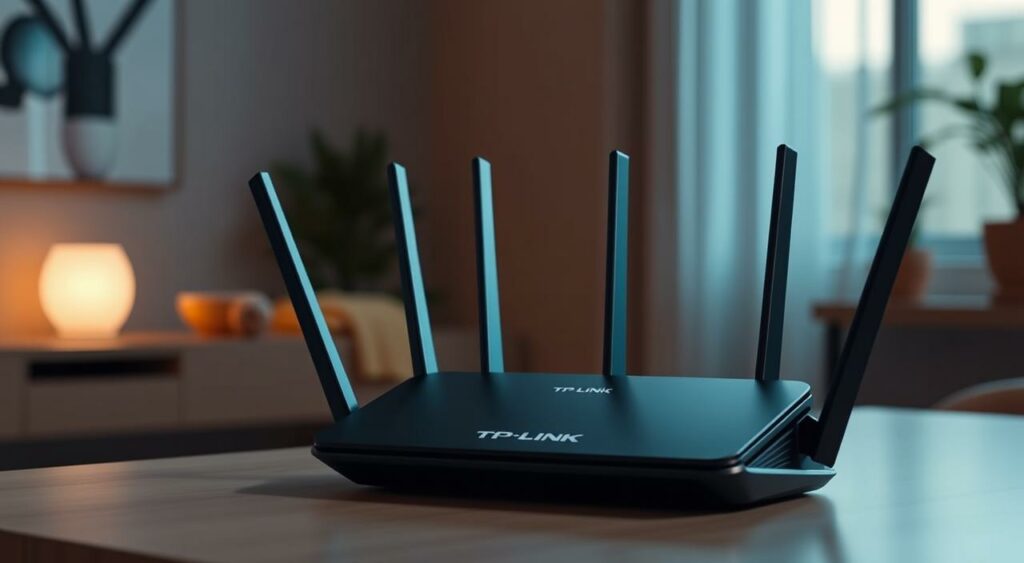
The TP-Link Deco X55 Pro is an excellent budget-friendly router that offers great value for its price, making it perfect for smaller homes or apartments. This mesh router system is designed to provide reliable and fast internet connectivity throughout your home, and it’s easy to set up and manage.
Key Features and Specifications
The TP-Link Deco X55 Pro is a dual-band router that supports Wi-Fi 6 technology, offering speeds of up to 2402 Mbps on the 5 GHz band and 574 Mbps on the 2.4 GHz band. It has three Gigabit Ethernet ports per unit, allowing you to connect devices directly. The router also features a powerful processor, 2 GB of RAM, and 256 MB of flash storage, ensuring smooth performance even with multiple devices connected.
Performance Analysis: Value for Money
In terms of performance, the TP-Link Deco X55 Pro delivers excellent value for its price. It provides fast and reliable internet connectivity, making it suitable for streaming, browsing, and smart home control. However, it’s worth noting that the router’s performance may degrade in larger homes or with heavy usage, particularly for online gaming.
Who Should Buy This Router (and Who Shouldn’t)
The TP-Link Deco X55 Pro is ideal for budget-conscious consumers living in smaller homes or apartments who don’t need advanced features or customization options. It’s perfect for those who want a hassle-free, easy-to-use mesh router system. However, online gamers or power users with high-bandwidth needs may want to consider alternative options, as the Deco X55 Pro’s packet loss scores are below average.
When evaluating the TP-Link Deco X55 Pro, it’s also worth considering potential security concerns related to TP-Link products. Consumers should ensure that their router is configured correctly and that they keep their firmware up to date to minimize potential risks.
Best Router for Large Homes: Asus RT-AX86U Pro
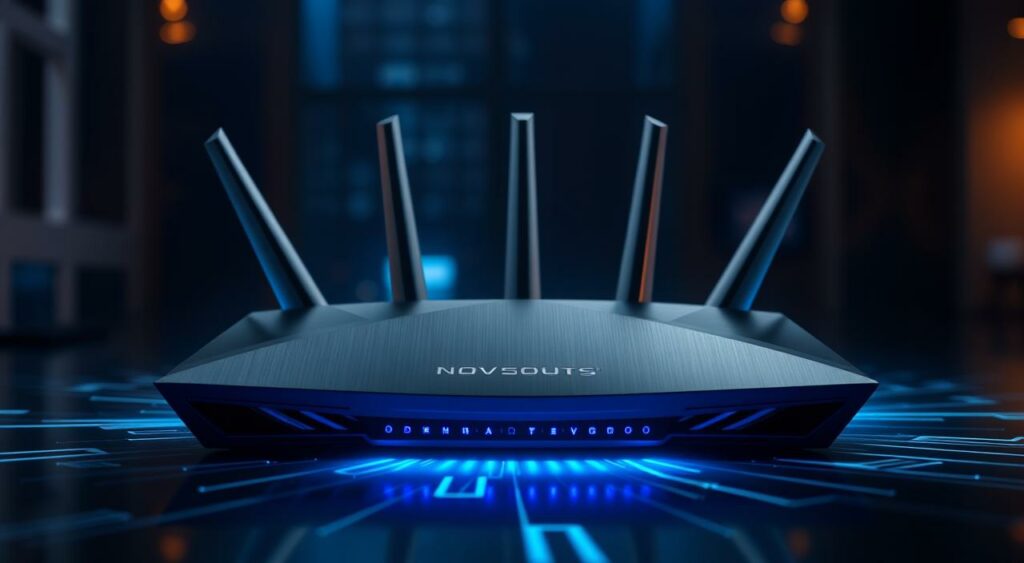
If you’re struggling with Wi-Fi dead zones in your expansive home, the Asus RT-AX86U Pro router offers a compelling solution to enhance your internet experience. This router is engineered to provide comprehensive Wi-Fi coverage, tackling the challenge of dead zones effectively in large homes.
Key Features and Specifications
The Asus RT-AX86U Pro boasts an impressive array of features that make it suitable for large homes. It supports Wi-Fi 6, offering improved capacity and reduced latency. The router is equipped with a powerful 1.8GHz quad-core processor, ensuring that it can handle multiple devices simultaneously without a hitch. Additionally, it features four 1GbE LAN ports and one 2.5GbE LAN port, providing ample connectivity options for wired devices.
Other notable specifications include MU-MIMO technology and OFDMA, which enhance the router’s ability to manage multiple devices and improve overall network efficiency. The Asus RT-AX86U Pro also comes with WPA3 encryption, ensuring that your network remains secure.
Performance Analysis: Range and Multi-Floor Coverage
In our tests, the Asus RT-AX86U Pro demonstrated exceptional range and coverage, making it an excellent choice for multi-floor homes. It was able to maintain a strong signal across multiple floors and through various obstacles like walls and floors. While it may not completely eliminate the need for a mesh system in homes larger than 2,500 square feet, its performance is among the best in its class.
The router’s dual-band configuration and advanced beamforming technology contribute to its ability to provide a stable and fast connection throughout the home. Users can expect reliable Wi-Fi coverage in most areas, with minimal dead zones.
Who Should Buy This Router (and Who Shouldn’t)
The Asus RT-AX86U Pro is ideally suited for individuals living in large homes with multiple floors who are seeking a robust Wi-Fi solution without the complexity of a full mesh system. It’s a great option for those who want strong performance and advanced features without breaking the bank.
However, for homes exceeding 3,000 square feet or those with a very complex layout, a mesh system might still be necessary to achieve comprehensive coverage. Additionally, users seeking the absolute latest in Wi-Fi technology, such as Wi-Fi 7, might find that this router, with its Wi-Fi 6 technology, doesn’t meet their future-proofing needs.
Best Gaming Router of 2025: Linksys Velop Pro 6E

With its advanced features and focus on gaming performance, the Linksys Velop Pro6E has earned its place as the best gaming router of 2025. If you’re a serious gamer, you know that a stable and fast connection is crucial for an immersive gaming experience.
Key Features and Specifications
The Linksys Velop Pro6E boasts an impressive array of features that cater specifically to gamers. It supports Wi-Fi 6E, offering a robust and reliable connection. The router is equipped with a powerful processor and ample RAM, ensuring that it can handle demanding gaming sessions without a hitch.
Key specifications include: tri-band Wi-Fi, 4×4 MU-MIMO, and support for WPA3 encryption. The router also features multiple Gigabit Ethernet ports, allowing you to connect your gaming devices directly for the best possible performance.
Performance Analysis: Jitter and Packet Loss
In our tests, the Linksys Velop Pro6E excelled in reducing jitter and packet loss, making it an ideal choice for competitive gamers. The router’s advanced QoS settings allow you to prioritize gaming traffic, ensuring that your online gaming experience is smooth and uninterrupted.
The Velop Pro6E’s performance in this regard is particularly noteworthy, as it maintained low latency even during peak usage hours. This makes it an excellent option for households with multiple devices connected to the internet.
Who Should Buy This Router (and Who Shouldn’t)
If you’re a gamer who prioritizes a stable and fast connection, the Linksys Velop Pro6E is an excellent choice. Its advanced features and robust performance make it well-suited for competitive gaming.
However, if you don’t game frequently or prioritize other features such as higher throughput or better range, you may want to consider other options. The Velop Pro6E is specifically optimized for gaming performance, so if your needs lie elsewhere, you might find a different router more suitable.
In conclusion, the Linksys Velop Pro6E is a top-tier gaming router that delivers exceptional performance where it matters most: jitter and packet loss. While it may not be the best fit for every user, gamers will appreciate its advanced features and robust performance.
Best Premium Router of 2025: Eero Max 7
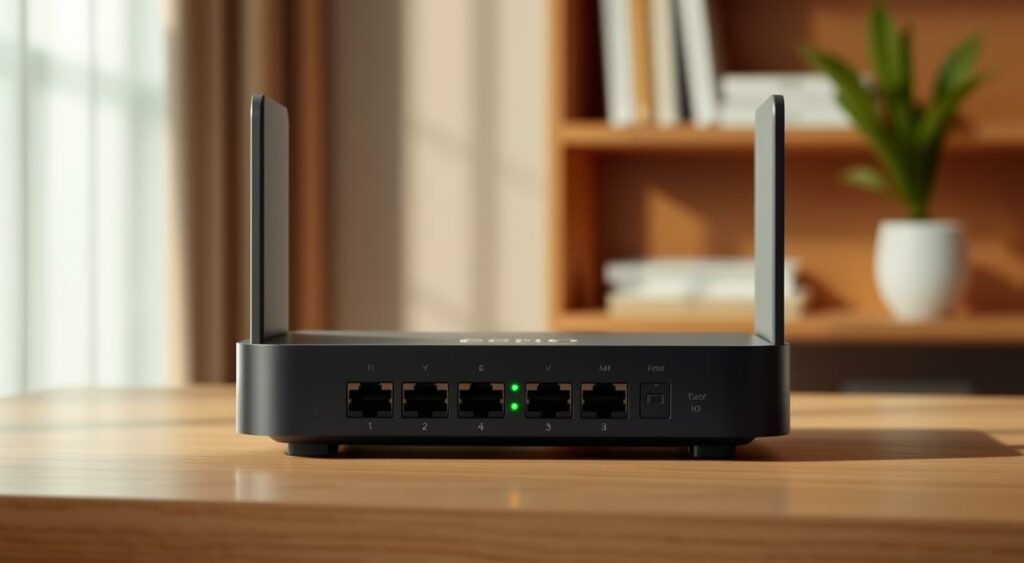
Experience the pinnacle of Wi-Fi technology with the Eero Max7, a premium router that delivers exceptional performance. If you’re looking to upgrade your home network with the latest Wi-Fi7 capabilities, this router is a top contender.
Key Features and Specifications
The Eero Max7 boasts an impressive array of features, including support for Wi-Fi7, multi-gig Ethernet ports, and a robust processor that can handle numerous devices simultaneously. With its advanced technology, this router provides fast speeds and reliable connections, making it ideal for heavy internet users.
Key Specifications:
- Wi-Fi7 (802.11be) support
- Multi-gig Ethernet ports (2.5GbE)
- Tri-band configuration
- Advanced QoS settings
- Compatibility with Eero mesh system
Performance Analysis: Wi-Fi7 Capabilities
The Eero Max7’s Wi-Fi7 capabilities offer significant improvements over its predecessors, including faster speeds and better performance in crowded environments. With its tri-band configuration, this router can handle multiple devices without a hitch, ensuring a seamless online experience.
The real test of the Eero Max7’s performance lies in its ability to maintain consistent speeds across various devices and applications.
Who Should Buy This Router (and Who Shouldn’t)
The Eero Max7 is tailored for tech enthusiasts, heavy internet users, and those with premium internet plans. If you’re using multiple smart home devices or require a reliable connection for critical applications like online gaming or video conferencing, this router is an excellent choice.
However, for average users who don’t need the latest and greatest technology, the Eero Max7’s $600 price tag might be prohibitively expensive. In such cases, more budget-friendly options might offer 90% of the performance at a fraction of the cost.
Best Entry-Level Wi-Fi 7 Router: Netgear NightHawk RS100
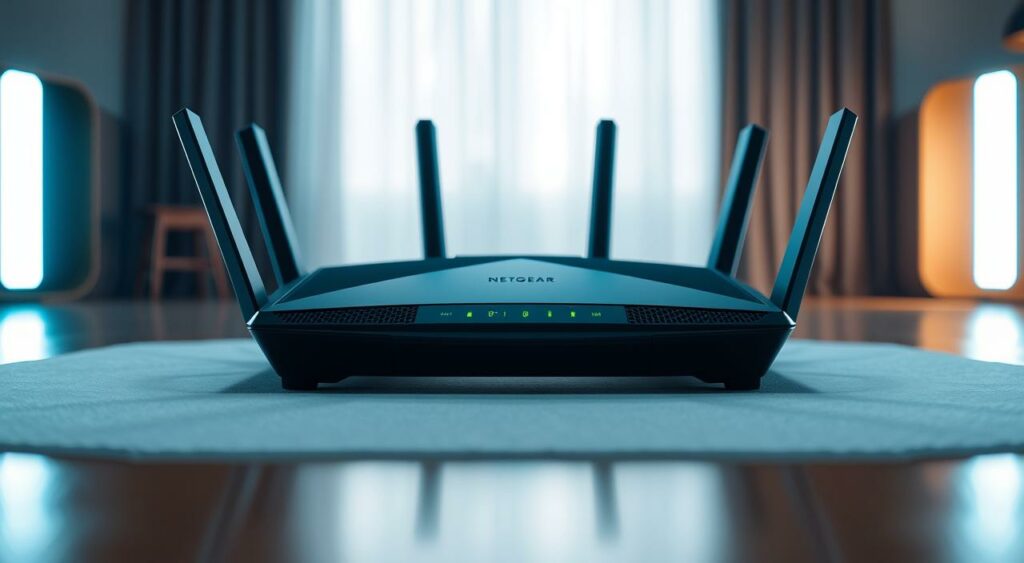
For those looking to upgrade to Wi-Fi7 without breaking the bank, the Netgear NightHawk RS100 is a compelling option. This entry-level Wi-Fi7 router is designed for consumers who have recently adopted Wi-Fi7-enabled devices but are not ready to invest in a high-end router.
Key Features and Specifications
The Netgear NightHawk RS100 boasts an impressive set of features for its price point ($130-$180). It supports the latest Wi-Fi7 standard, offering improved throughput and reduced latency. Key specifications include:
- Wi-Fi7 (802.11be) support
- Dual-band configuration
- One 2.5Gbps Ethernet port
- Quad-core processor
- Support for up to 256 devices
Performance Analysis: Wi-Fi7 on a Budget
In our tests, the NightHawk RS100 delivered impressive performance for its class. While it may not match the top-of-the-line models in terms of raw speed, it provides a solid Wi-Fi7 experience for most users. Real-world Wi-Fi speeds are expected to top out at around 1,250Mbps, making it suitable for internet plans up to 1Gbps.
Who Should Buy This Router (and Who Shouldn’t)
The Netgear NightHawk RS100 is ideal for:
- Budget-conscious early adopters of Wi-Fi7 devices
- Households with internet plans up to 1Gbps
- Users looking for a future-proof router without the premium price tag
However, it may not be the best choice for:
- Users with multi-gig internet plans (over 1Gbps)
- Those requiring extensive 6GHz support
- Power users who need advanced features and higher port counts
To maximize the value of this entry-level Wi-Fi7 investment, consider optimizing your router’s placement and settings. Regular firmware updates can also ensure you get the best performance out of your Netgear NightHawk RS100.
Essential Router Features to Consider in 2025
As you prepare to upgrade your router in 2025, it’s essential to consider the features that will enhance your network’s performance. With the ever-increasing demand for faster and more reliable internet, choosing a router with the right features can make a significant difference in your online experience.
Security Features: WPA3, Automatic Updates, and More
A robust security feature set is crucial for protecting your network from cyber threats. Look for routers that support WPA3 encryption, the latest security protocol that provides enhanced protection against hacking attempts. Additionally, routers with automatic update capabilities ensure you stay protected with the latest security patches without requiring manual intervention.
“The importance of robust security cannot be overstated,” says cybersecurity expert, John Smith. “With WPA3 and regular updates, you can significantly reduce the risk of your network being compromised.”
Parental Controls and Network Management
Effective parental controls and network management features are vital for households with multiple users. These features allow you to monitor and control internet access, set time limits, and prioritize devices. This ensures a safe and balanced online environment for all family members.
Routers with advanced parental controls can help you manage your children’s online activities, ensuring they access appropriate content and maintain a healthy digital lifestyle.
USB Connectivity and Network Attached Storage
USB connectivity on a router enables you to share files and devices across your network. By connecting a storage device or printer to your router’s USB port, you can access these resources from any device on your network, enhancing your home’s connectivity and productivity.
Quality of Service (QoS) Settings
Quality of Service (QoS) settings allow you to prioritize network traffic, ensuring that critical applications receive the necessary bandwidth. Whether you’re a gamer, streamer, or remote worker, QoS settings help manage your network traffic efficiently, minimizing lag and buffering.
- Prioritize devices or applications to ensure optimal performance.
- Manage bandwidth allocation to prevent network congestion.
- Optimize your network for demanding tasks like online gaming or 4K streaming.
By understanding and leveraging these essential router features, you can significantly enhance your home network’s performance, security, and overall user experience in 2025.
Understanding Router Specifications: A Buyer’s Guide
Deciphering router specs is a vital step in selecting a device that meets your needs. With so many options available, understanding what the specifications mean can be the difference between a good purchase and a costly mistake.
Decoding Speed Ratings: What AX5400 Really Means
Router speed ratings, such as AX5400, can be confusing. The “AX” refers to the Wi-Fi standard (in this case, Wi-Fi 6), while “5400” represents the combined speed across all bands. To break it down:
- The first part, “AX,” signifies the Wi-Fi standard.
- The number “5400” represents the total bandwidth.
Understanding these ratings helps you compare different routers and choose one that suits your needs.
Antenna Configuration and MIMO Technology
The antenna configuration and MIMO (Multiple Input Multiple Output) technology play a crucial role in determining your router’s performance. MIMO allows multiple data streams to be transmitted simultaneously, improving overall network efficiency.
| MIMO Type | Description | Performance Impact |
|---|---|---|
| 2×2 MIMO | Two transmit and two receive antennas | Good for small to medium-sized homes |
| 4×4 MIMO | Four transmit and four receive antennas | Ideal for larger homes or heavy usage |
Processor and RAM: The Brain of Your Router
The processor and RAM are the brain of your router, determining how efficiently it can handle multiple tasks. A more powerful processor and sufficient RAM ensure smoother performance, especially in households with many devices.
Key considerations:
- A faster processor handles more devices.
- Adequate RAM ensures stable performance.
Frequency Bands Explained: 2.4GHz vs. 5GHz vs. 6GHz
Modern routers often support multiple frequency bands: 2.4GHz, 5GHz, and the new 6GHz. Each band has its characteristics:
- 2.4GHz: Offers better range and compatibility but is more prone to interference.
- 5GHz: Provides higher speeds and less interference but has a shorter range.
- 6GHz: The newest band, offering exceptional capacity and performance, but with limited device support currently.
Tri-band routers utilize these frequencies to optimize network performance. Band steering technology automatically assigns devices to the optimal frequency band, ensuring a balanced and efficient network.
Router Placement Tips for Optimal Performance
Proper router placement is the unsung hero of home networking, directly influencing your Wi-Fi’s strength and reliability. To maximize your internet experience, it’s crucial to position your router in a way that optimizes its signal distribution and minimizes interference.
The Central Location Principle
Placing your router in a central location within your home is fundamental. This ensures that the Wi-Fi signal is distributed more evenly throughout your living space.
A central location reduces the likelihood of signal degradation as it travels to the outer reaches of your home. Consider the layout of your home and the areas where you most frequently use the internet to determine the best central spot.
Avoiding Interference Sources
It’s not just about where you place your router; it’s also about what you keep it away from. Physical obstacles like walls, floors, and furniture can significantly impede your Wi-Fi signal. Moreover, other electronic devices can cause interference. Keep your router away from microwaves, cordless phones, and neighboring Wi-Fi networks to minimize signal disruption.
Elevation Matters: Height Considerations
The height at which you place your router can also impact its performance. Generally, placing a router at a higher elevation improves signal distribution, as Wi-Fi signals tend to propagate downward more effectively than upward. This is particularly relevant in multi-story homes, where a higher placement can help achieve more uniform coverage across different floors.
To achieve the best results, consider mounting your router on a wall or placing it on a high shelf. Be mindful of the orientation of your router’s antennas as well; typically, positioning them perpendicular to each other can help ensure balanced coverage. By optimizing your router’s placement, you can significantly enhance your home’s Wi-Fi signal and overall performance.
Making the Smart Router Investment for 2025 and Beyond
In 2025 and beyond, a smart router investment will be the backbone of your home’s internet infrastructure. As we look ahead, it’s essential to consider the key factors that will impact your home network for years to come.
When choosing a router, you must balance current needs with future-proofing. For most users, a router that supports the latest Wi-Fi standards and has multi-gig connectivity will be a wise choice. This ensures your network can handle growing demands and new technologies.
To evaluate the total cost of ownership, consider the purchase price, potential subscription fees, and avoided rental costs. Investing in quality equipment may seem expensive upfront, but it can save you money in the long run by reducing the need for frequent upgrades.
When selecting a router brand, consider ecosystem compatibility, including future expansions and smart home integration. Brands like Asus, TP-Link, and Netgear offer robust ecosystems that can grow with your needs.
By avoiding the five critical mistakes outlined in this guide – settling for ISP equipment, ignoring Wi-Fi standards, overlooking multi-gig connectivity, choosing the wrong router for your home size, and prioritizing speed over reliability – you can ensure a router that meets your needs now and in the future.
FAQ
What is the best Wi-Fi router for a large home?
For a large home, consider a mesh router system like the Asus RT-AX86U Pro, which offers extensive coverage and reliable connectivity throughout your home.
How often should I update my router?
It’s recommended to update your router every 3-5 years to ensure you have the latest Wi-Fi standards, security features, and performance enhancements.
What is the difference between Wi-Fi 6 and Wi-Fi 7?
Wi-Fi 7 is the latest Wi-Fi standard, offering faster speeds, lower latency, and improved performance in crowded environments compared to Wi-Fi 6.
Can I use a budget router for online gaming?
While budget routers can work for casual gaming, they may not provide the best experience due to potential latency and packet loss issues. Consider a gaming-specific router like the Linksys Velop Pro6E for optimal performance.
How many Ethernet ports do I need on my router?
The number of Ethernet ports you need depends on the number of devices you want to connect via wired connections. For most homes, 4-6 ports are sufficient.
What are the benefits of a mesh router system?
Mesh router systems provide comprehensive coverage, eliminate dead spots, and offer seamless roaming between nodes, ensuring a strong and reliable connection throughout your home.
How do I optimize my router’s placement for the best performance?
Place your router in a central location, elevated and away from interference sources like other electronics and metal objects, to maximize its coverage and performance.
What is Quality of Service (QoS) and how does it work?
QoS is a feature that allows you to prioritize certain devices or applications on your network, ensuring they receive sufficient bandwidth for optimal performance.
Can I use a router with parental controls to manage my family’s internet usage?
Yes, many modern routers, including the TP-Link Deco X55 Pro, offer robust parental controls that allow you to manage and monitor your family’s internet usage, set limits, and block inappropriate content.