Have you ever found yourself scrambling to recall a Wi-Fi password when setting up a new device or reconnecting to a network? You’re not alone. Forgetting Wi-Fi passwords is a common frustration in today’s connected world.
Wi-Fi password managers offer a simple solution by securely storing your network credentials and making them accessible across all your devices. This means you can say goodbye to the hassle of trying to remember multiple passwords.
With the rise of multiple devices per person, the importance of password management has never been more critical. In this article, we’ll explore top Wi-Fi password manager options and guide you on how to choose the right one for your needs, ensuring your online security and convenience.
The Challenge of Managing Multiple Wi-Fi Passwords
As you connect to various WiFi networks across different locations, remembering passwords can be overwhelming. You likely need to access multiple networks daily, whether at home, at work, or at your favorite cafe. Each network requires a unique wifi password, making it challenging to keep track of them all.
The security risks associated with using simple, easy-to-remember passwords versus complex, secure ones further complicate this issue. While simple passwords are easier to recall, they are more vulnerable to security breaches. On the other hand, complex passwords are more secure but harder to remember, creating a significant problem for users.
- Managing multiple WiFi passwords has become increasingly difficult in our connected world.
- The security risks of simple versus complex passwords pose a significant challenge.
- Common methods like writing passwords on paper or using the same password everywhere are ineffective.
- Frequently changing network passwords for security creates additional memory challenges.
- Setting up new devices or helping guests connect to your network without compromising security is particularly difficult.
A wifi password manager can help alleviate these issues by securely storing your passwords and providing easy access across devices. This solution addresses the core problem of managing multiple wifi passwords, ensuring that you have the necessary information at your fingertips.
What Is a WiFi Password Manager?

If you’ve ever struggled to remember multiple WiFi passwords, a WiFi password manager is the solution you need. It’s a specialized app designed to securely store, organize, and provide easy access to your wireless network credentials.
Unlike general password managers, a WiFi password manager focuses specifically on WiFi connection information, ensuring security through advanced encryption methods.
These tools integrate with your device’s operating system, facilitating network connections and offering the feature of cross-device synchronization.
Benefits of Using a WiFi Password Manager
The advantages of using a WiFi password manager include improved security, convenience, and better organization. By automatically filling in credentials when connecting to known networks, these managers save you time and effort.
A password manager enhances security by allowing the use of complex passwords without the need to memorize them, thus protecting your wifi networks from unauthorized access.
- Saves time by eliminating the need to manually enter wifi passwords.
- Enhances security with strong, unique passwords for each network.
- Simplifies sharing network access with guests without revealing the actual password.
- Organizes numerous networks for regular connections.
- Helps recover forgotten passwords when reconnecting to rarely used networks.
Using a WiFi password manager app can significantly boost your performance in managing multiple networks, making it an essential tool for anyone who frequently connects to various wifi networks.
Top WiFi Password Manager Apps
Managing WiFi passwords has become easier with the advent of specialized password manager apps. These apps not only help you store and retrieve your WiFi passwords but also offer additional features to enhance your internet experience.
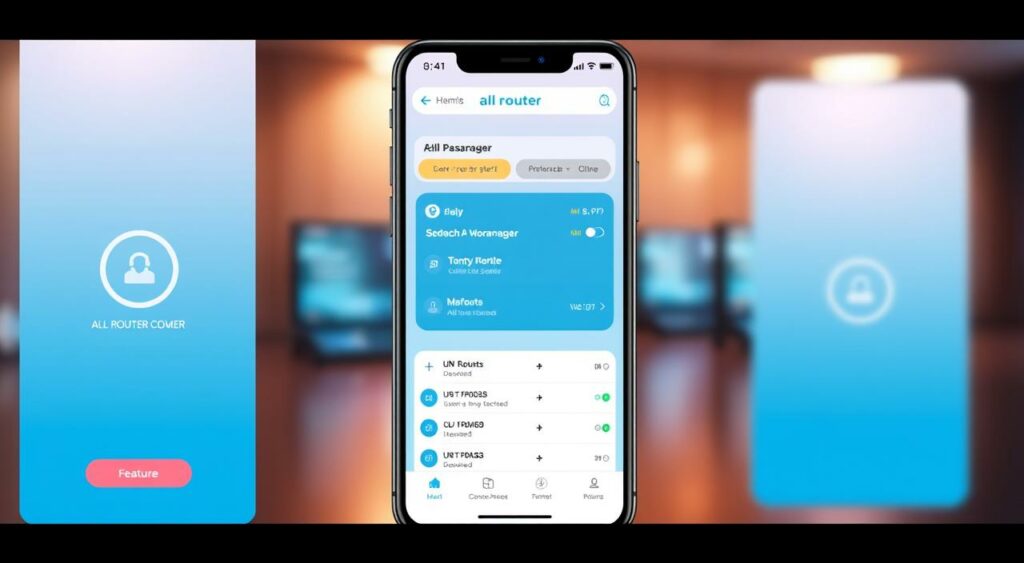
All Router Password Manager
All Router Password Manager is a versatile app that helps you discover default router passwords. It also includes features like WiFi speed testing and device detection, making it a comprehensive tool for managing your network.
Wi-Fi Passwords Manager
Wi-Fi Passwords Manager allows you to add, save, and share networks with ease. Its cross-device sync support ensures that your WiFi passwords are accessible across all your devices, and QR code generation makes sharing networks simple.
WiFi Router & WiFi Password Manager
WiFi Router & WiFi Password Manager is designed to detect unauthorized users on your network and provides router password recovery assistance. It’s a robust app for maintaining the security of your WiFi network.
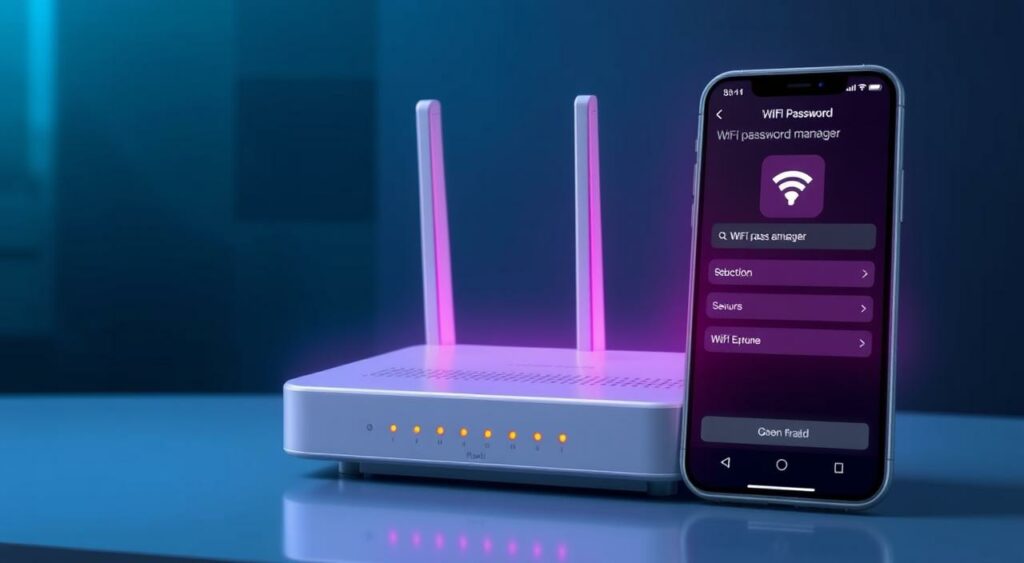
When choosing a WiFi password manager app, consider factors like pricing models, user interfaces, and platform compatibility to make an informed decision.
Cross-Device Synchronization Features
In today’s connected world, the ability to sync Wi-Fi passwords across multiple devices is not just convenient, it’s essential. Wi-Fi Passwords Manager offers network sync between devices using your account, with two types of authorization: Google account or email-password registration. This allows you to access your saved networks from any device where you’re logged in.
The cross-device synchronization feature in WiFi password managers relies on cloud storage mechanisms to store your Wi-Fi passwords securely. When you log in to your account on a new device, the passwords are synced, making it easy to connect to your networks.
Different authentication methods are used for secure synchronization, including Google account integration and email verification. These methods ensure that only authorized users can access their Wi-Fi passwords across devices.
Encryption plays a crucial role during the synchronization process, protecting your sensitive password data from unauthorized access. This means that even when your passwords are being synced across devices, they remain secure.
One of the significant benefits of cross-device synchronization is the ability to access your Wi-Fi passwords offline. Once the passwords are synced to your device, you can access them even without internet connectivity.
However, potential synchronization conflicts can arise when multiple devices try to update the same password. Different WiFi password manager applications handle these updates in various ways, such as by merging changes or prompting the user to resolve conflicts manually.
Security Considerations for WiFi Password Managers
When considering a WiFi password manager, it’s crucial to evaluate the security measures in place to protect your sensitive information. A password manager stores all your WiFi passwords, making it a potential single point of failure if not properly secured.
The security implications of storing all your WiFi passwords in a single application are significant. You need to examine the encryption standards used by different password managers to protect stored credentials. For instance, some password managers use advanced encryption techniques to safeguard your data.
- Review the privacy policies of the password manager to understand what data is collected and how it’s used.
- Assess the potential vulnerabilities in the password manager application and how the developer addresses them.
For example, All Router Password Manager’s privacy policy indicates that they may collect identifiers and usage data that could be used to track users across apps and websites owned by other companies. It’s essential to evaluate the security practices of the password manager developer before trusting them with your sensitive information.
How to Choose the Right WiFi Password Manager
To never forget a WiFi password again, you need to pick a WiFi password manager that fits your needs. When selecting a WiFi password manager, consider several key factors to ensure you make the right choice.
First, evaluate the security features of the manager. Look for robust encryption standards and multi-factor authentication methods to protect your data.
Next, consider the ease of use and user interface. An intuitive interface can significantly enhance your experience.
| Feature | Importance | Examples |
|---|---|---|
| Security Features | High | Encryption, 2FA |
| Ease of Use | Medium | User-friendly interface |
| Cross-Device Compatibility | High | Android, iOS, Windows support |
Assess the cross-platform compatibility to ensure the manager works across all your devices. Finally, review the pricing models, including free options, subscriptions, and one-time purchases, to find the best fit for your budget.
Additional Features to Look For
The right WiFi password manager should not only store your passwords but also provide valuable additional features.
Some of the key supplementary features to look for include network diagnostic tools, such as WiFi signal strength meters and network speed testing, which help optimize your connectivity.
Security enhancements are also crucial, with features like unauthorized device detection protecting your network from intruders.
When it comes to sharing your WiFi network, look for managers that offer QR code generation and text-based sharing methods for easy guest access.
| Feature | Description | Benefit |
|---|---|---|
| WiFi Signal Strength Meter | Measures the strength of your WiFi signal | Optimizes connectivity |
| Network Speed Testing | Tests the speed of your WiFi network | Ensures you’re getting the best speed |
| Unauthorized Device Detection | Detects devices connected to your network without authorization | Protects your network from intruders |
Finally, consider a WiFi password manager with backup and restore functionality to prevent password loss during device changes or application updates.
Never Worry About Forgotten WiFi Passwords Again
With a WiFi password manager, you can finally say goodbye to the frustration of forgotten network credentials. These tools provide peace of mind by ensuring you always have access to your network passwords. By utilizing features like automatic backup and cross-device synchronization, you can streamline your digital life.
Take the first step towards a more organized digital experience by implementing a WiFi password management solution today.
FAQ
How does a WiFi password storage app ensure my data is secure?
A reputable WiFi password storage app uses encryption and secure servers to protect your data. It also follows best practices for security and privacy to safeguard your information.
Can I access my stored WiFi passwords across multiple devices?
Yes, most WiFi password apps offer cross-device synchronization, allowing you to access your stored WiFi passwords on multiple devices, including smartphones, tablets, and computers.
Are WiFi password apps compatible with all types of routers and networks?
Most WiFi password apps are compatible with standard routers and networks. However, some may have issues with certain network configurations or older router models.
How do I know which WiFi password app is the best for my needs?
To choose the right WiFi password app, consider factors such as security, ease of use, and compatibility with your devices. You should also read reviews and check the app’s ratings to ensure it meets your expectations.
Can a WiFi password app help me detect and manage all the WiFi networks I’ve connected to?
Yes, a WiFi password app can help you detect and manage all the WiFi networks you’ve connected to, making it easier to access and share your WiFi passwords.
Are there any additional features I should look for in a WiFi password app?
Some WiFi password apps offer additional features such as network scanning, security alerts, and password generation. Consider what features are important to you when choosing a WiFi password app.